Frequently
Asked
Questions
→ nextbike App
Would you like to find out more? Here you’ll find the most frequently asked questions and answers about the nextbike app.
Registration
To activate your customer account, you need to add a payment method to your customer account. We will deposit a credit of 1 euro to verify your payment method. This is not a fee but will be available on your account as rental credit. All available payment methods are listed in the app.
After successful debiting your customer account will be activated immediately. Only if you make a bank transfer, your account will be activated after two to four days, depending on the bank.
Please note that your PayPal account must be verified. More information can be found on PayPal.
To verify your payment method and activate your account, 1 euro will be charged to your bank account. However, this is not a registration fee; instead, it will be available to you as a starting balance. This 1 euro will also be deducted when you change your payment method, in order to verify the new payment method as well.
Customer account
Your PayPal account is probably not verified. For more information please visit PayPal.
Invoices are sent by email after each journey.
You can cancel your account in your settings in the app or by logging in to our website.
Alternatively, you can send us your cancellation via the contact form or by post (address in the website footer).
Any remaining credit will be refunded. Exceptions to this are usually travel credit acquired through loyalty programs or similar. This is not payable.
If you have specified a credit card as the payment method, the fees for your trips will usually be debited 24 hours after your rental.
With the direct debit payment method, we debit the open fees monthly from your bank account.
You can view your rental history and direct debit invoices in your customer account at any time. Log in via the website. Please note that invoices are only available after the end of the month.
If you have registered via the nextbike app, you can view the details of how your data is collected and used under Privacy.
You can update your contact information (except your phone number) in your app’s settings.
Please contact our customer service team via the contact form to update your phone number. Please provide the email address associated with your account.
To change your phone number, please contact our customer service at kundenservice@nextbike.de. Send the email from the email address you use for your account.
Rent, park and return
Yes, you can.
Pause your ride in the app and then close the lock (attention: If you close the lock before you pause your ride, the bike will be returned immediately). To continue cycling, end the pause mode in the app and the lock will open automatically.
The rental stays active during the pause and will be charged as usual.
You can rent up to four bikes at a time using one customer account. Booked tariffs and special conditions usually only apply to the first bike.
First check whether a spoke is blocking the lock by turning the rear wheel slightly. Then open the active rental in your app and click on ‘open lock’. Unlocking will be initiated again.
If the frame lock does not open even after another attempt to open it via the app, our system automatically detects this after three minutes and cancels the rental. No costs will apply. Please check the cancellation in your app and contact our customer service if it is still active after three minutes.
Yes, bikes can be reserved via the app for up to 15 minutes.
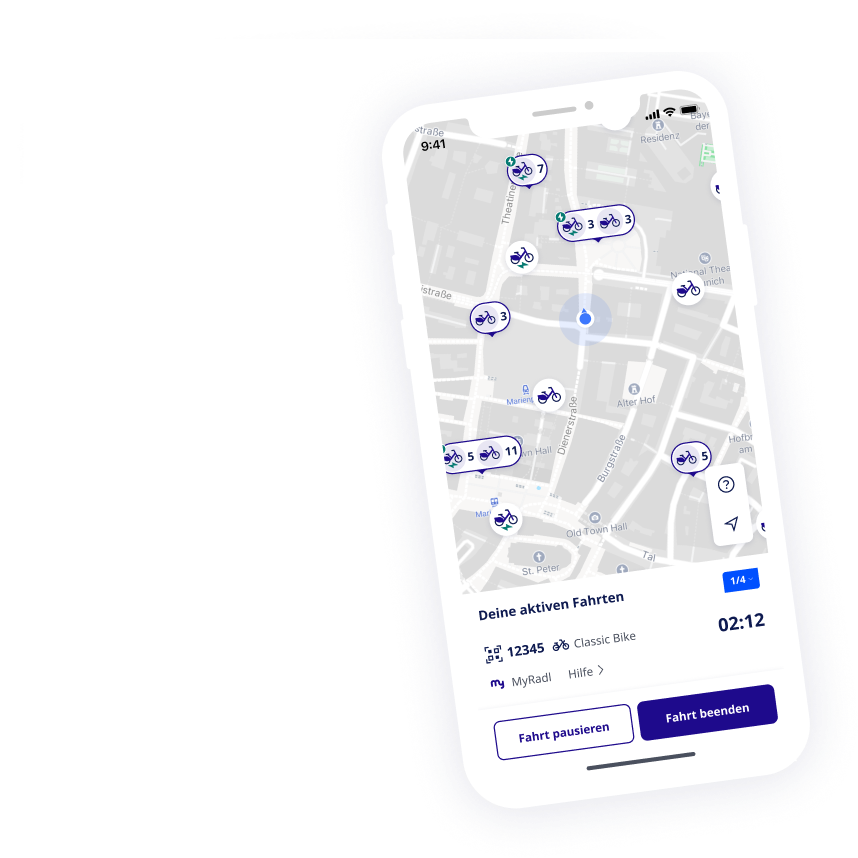
The nextbike app uses clear symbols to help users easily distinguish between the locations of bikes parked haphazardly.
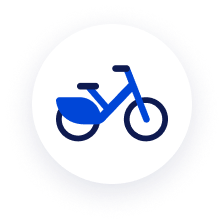
This is what individual bikes look like in the nextbike app. Depending on the system, they may be different colours. E-bikes are marked with an additional lightning bolt icon.
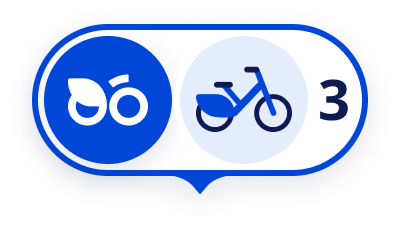
This is what locations look like in the nextbike app. Depending on the system, they may appear in different colours. Additional icons, e.g. for e-bikes, may be available depending on the system.
In the MyRadl system, there are three different types of location markers on site:
- Physical locations with bike racks
(mostly outside Munich), often marked with signs or posts at mobility points. - Physical locations with road markings
(mainly in Munich), shared parking areas, recognisable by marked areas, signs and often a green border. - Virtual locations
No visible signage on site – the area is only shown in the app.
Important: Bikes must be returned to the racks at physical locations or within the marked areas. If there is no space, please return the bikes next to the racks in such a way that they do not obstruct anyone. To return the bikes, the frame lock must always be locked.
Tariffs and conditions
Unless otherwise stated, special conditions through partner cooperations apply only in the respective city or in the respective network system. Furthermore, the discount only applies to the first bike if several bikes are rented in parallel. Detailed conditions can be found on the pricing, CAMPUSbike or partner page of the respective website of the system. If you don’t know the system’s website, please use the location search.
Save time and money with MyRadl
Combine MyRadl with your public transport pass and enjoy great benefits. This way, you can reach your destination flexibly while saving time and money — just hop on and start pedaling.